

14A (1.5 times 30 min) | Mention the date and time you’re adding for during check out in the “NOTE” section
$82.50

14B (1.5 times 30 min) | Mention the date and time you’re adding for during check out in the “NOTE” section
$75.00
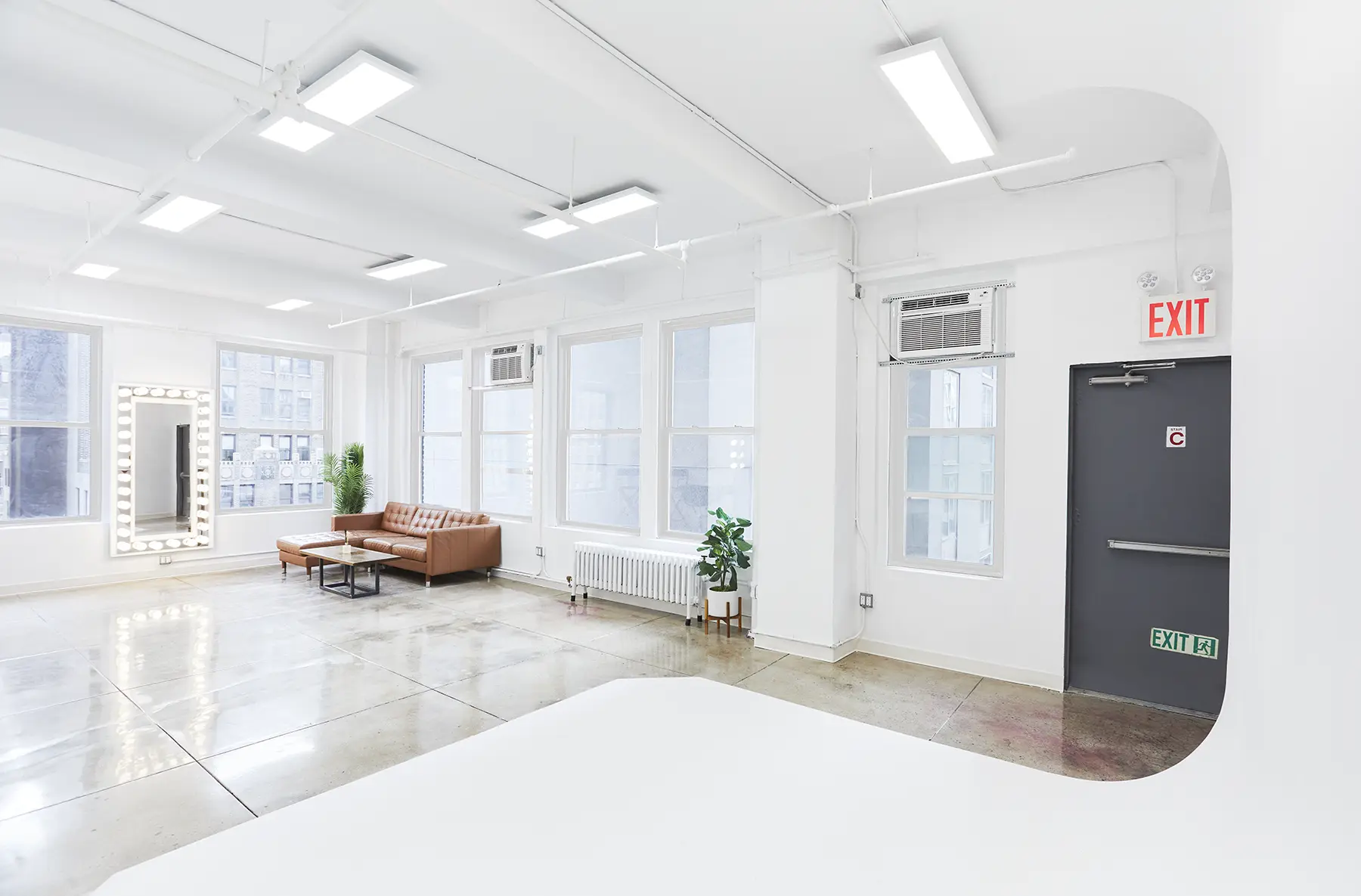
14C (1.5 times 30 min) | Mention the date and time you’re adding for during check out in the “NOTE” section
$60.00

16A (1.5 times 30 min) | Mention the date and time you’re adding for during check out in the “NOTE” section
$41.25

16B (1.5 times 30 min) | Mention the date and time you’re adding for during check out in the “NOTE” section
$48.75
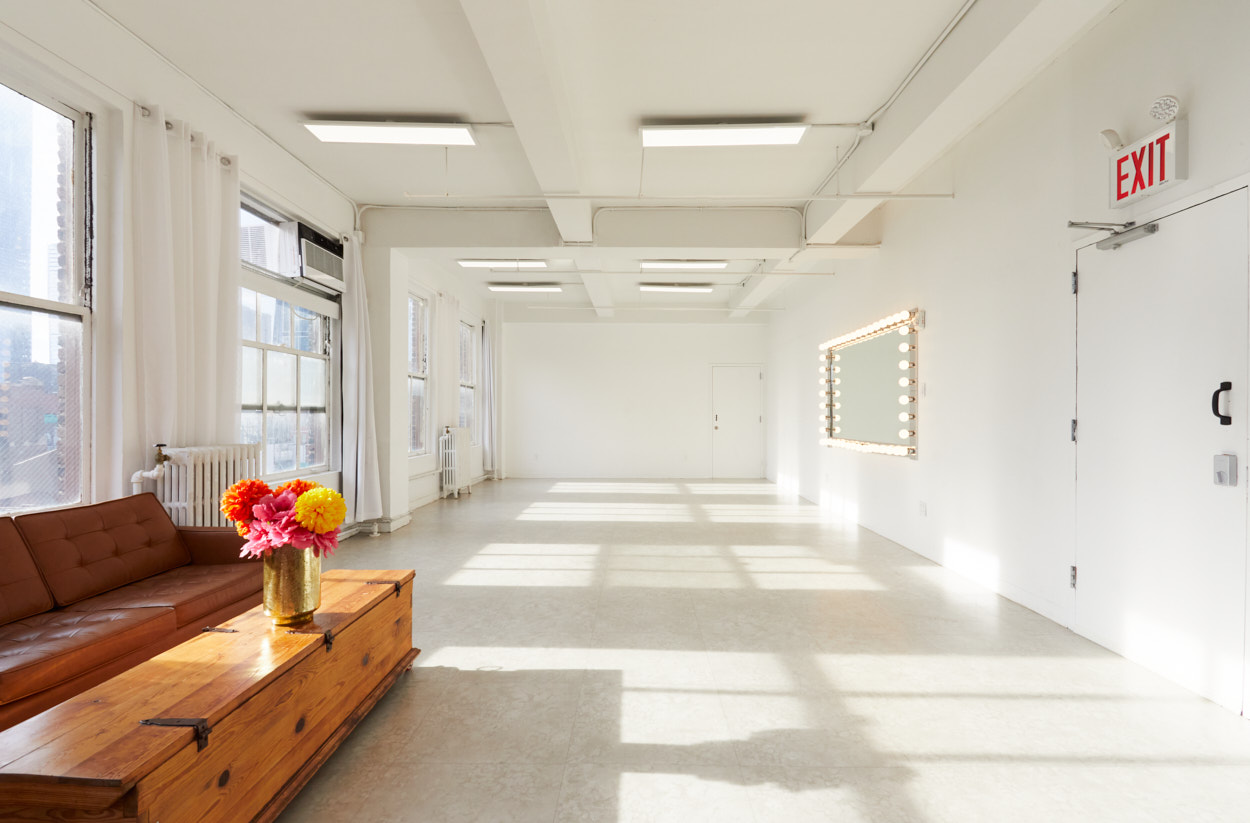
23AB (1.5 times 30 min) | Mention the date and time you’re adding for during check out in the “NOTE” section
$131.25

23A (1.5 times 30 min) | Mention the date and time you’re adding for during check out in the “NOTE” section
$71.25

23B (1.5 times 30 min) | Mention the date and time you’re adding for during check out in the “NOTE” section
$60.00

22A (1.5 times 30 min) | Mention the date and time you’re adding for during check out in the “NOTE” section
$56.25

22B (1.5 times 30 min) | Mention the date and time you’re adding for during check out in the “NOTE” section
$56.25

22C (1.5 times 30 min) | Mention the date and time you’re adding for during check out in the “NOTE” section
$45.00